
前からちょっと気になっていたのですが、このブログで見出しが多いページの場合、サイドバーの目次が一番下にいくと見切れてしまい、現在位置が分かりづらいなと。
大きな問題ではないので放置していましたが、ようやく修正してみることに。
修正すると、下記画像のように見出しが多い場合でも追従するようになります。
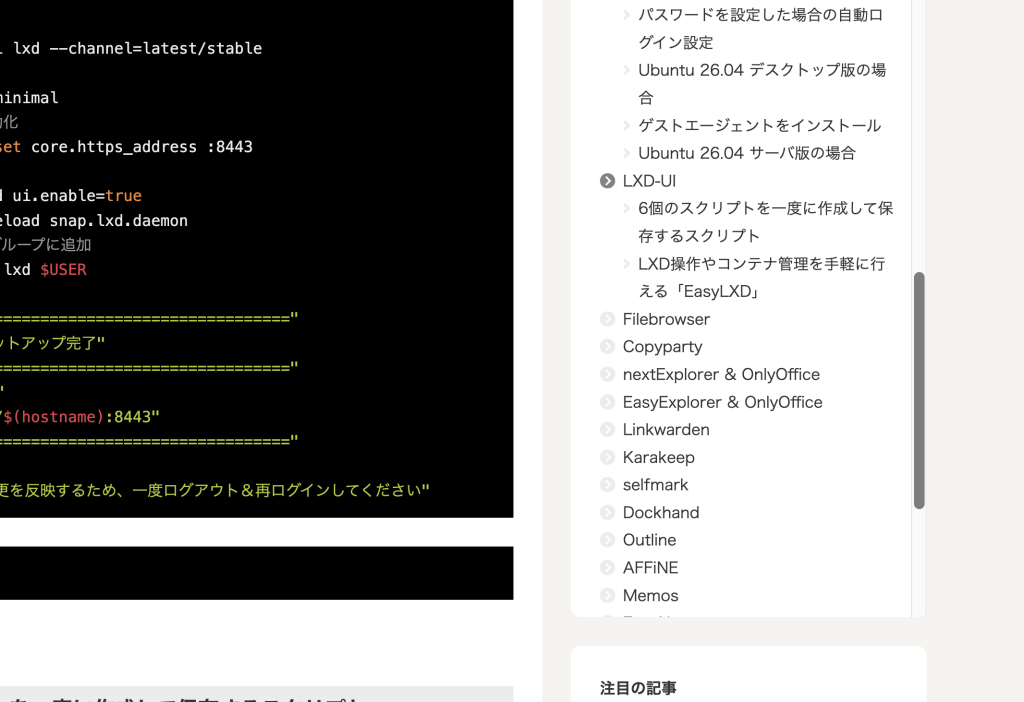
「追加CSS」に記入
設定は2箇所。まず「外観」 → 「カスタマイズ」 → 「追加CSS」に下記を記入します。
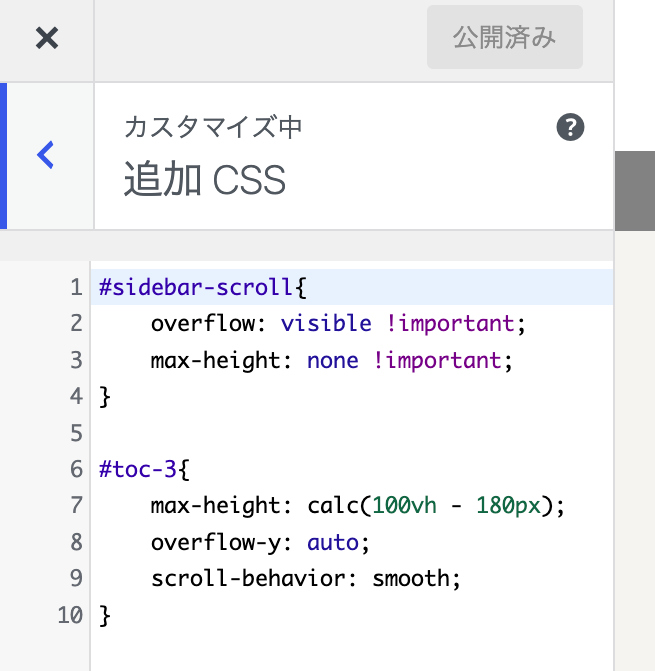
#sidebar-scroll{
    overflow: visible !important;
    max-height: none !important;
}

#toc-3{
    max-height: calc(100vh - 180px);
    overflow-y: auto;
    scroll-behavior: smooth;
}
フッターに追加
続いて「Cocoon設定」 → 「アクセス解析・認証 」→ 「フッター」に下記を登録すれば完了です。
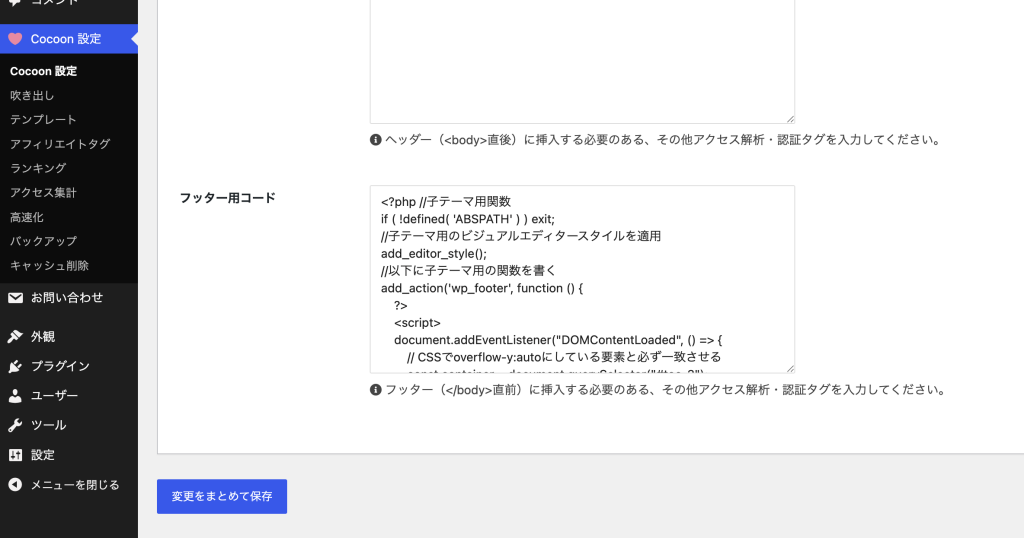
<?php //子テーマ用関数
if ( !defined( 'ABSPATH' ) ) exit;
//子テーマ用のビジュアルエディタースタイルを適用
add_editor_style();
//以下に子テーマ用の関数を書く
add_action('wp_footer', function () {
    ?>
    <script>
    document.addEventListener("DOMContentLoaded", () => {
        // CSSでoverflow-y:autoにしている要素と必ず一致させる
        const container = document.querySelector("#toc-3");
        if (!container) return;

        const links = [...container.querySelectorAll('a[href^="#"]')];
        if (!links.length) return;

        const map = new Map();
        links.forEach(link => {
            const id = decodeURIComponent(link.hash).slice(1);
            const heading = document.getElementById(id);
            if (heading) map.set(heading, link);
        });

        let currentLink = null;

        const observer = new IntersectionObserver((entries) => {
            const visible = entries
                .filter(entry => entry.isIntersecting)
                .sort((a, b) => a.boundingClientRect.top - b.boundingClientRect.top);
            if (!visible.length) return;

            const heading = visible[0].target;
            const link = map.get(heading);
            if (!link || link === currentLink) return;

            currentLink?.classList.remove("current");
            currentLink = link;
            currentLink.classList.add("current");

            const containerRect = container.getBoundingClientRect();
            const linkRect = currentLink.getBoundingClientRect();
            const margin = containerRect.height * 0.2;

            const isNearEdge =
                linkRect.top < containerRect.top + margin ||
                linkRect.bottom > containerRect.bottom - margin;

            if (isNearEdge) {
                const offset =
                    (linkRect.top - containerRect.top) -
                    (container.clientHeight / 2) +
                    (currentLink.offsetHeight / 2);
                container.scrollBy({ top: offset, behavior: "smooth" });
            }
        }, {
            root: null,
            rootMargin: "-30% 0px -60% 0px",
            threshold: 0
        });

        map.forEach((link, heading) => observer.observe(heading));
    });
    </script>
    <?php
});